
Blog
Multitasking on Android TV: Managing Apps and System

Multitasking on Android TV: Managing Apps and System Performance on Your SuperBox
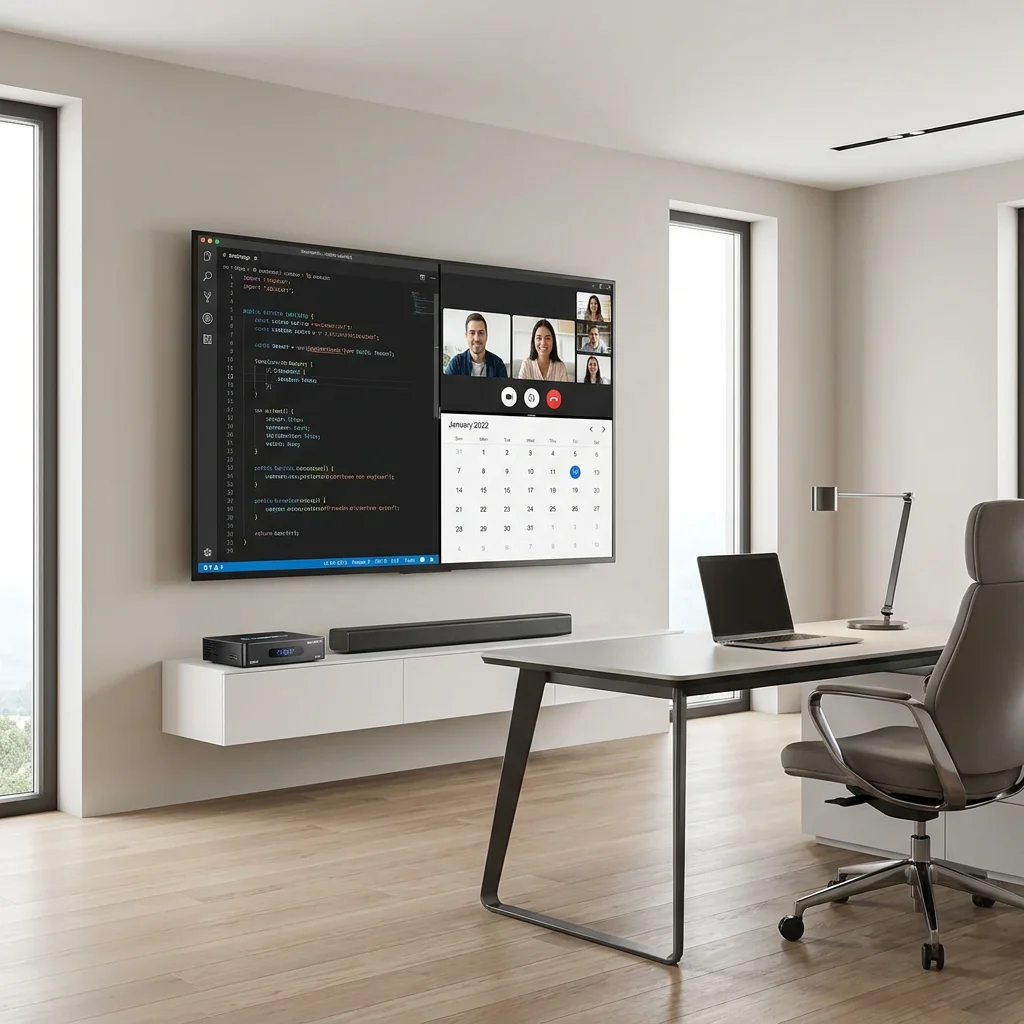
Introduction: Beyond Simple Connectivity – The Power of a Versatile Media Hub
The modern media box has undergone a dramatic transformation. It is no longer just a simple portal for video content; it has evolved into a powerful, specialized computer running a sophisticated operating system designed specifically for the big screen. The SuperBox S6 and S7 series, powered by the robust Android TV platform, offer a level of flexibility, speed, and performance that was once the exclusive domain of high-end desktop PCs. One of the most powerful, yet often underutilized, features of these devices is their ability to multitask effectively.
Whether you want to switch instantly between a live broadcast and a web browser, manage complex system downloads in the background while watching a high-definition Media Feature, or ensure your device is always running at its absolute peak, understanding the nuances of multitasking is key. In this comprehensive technical guide, we will explore how to manage applications, optimize system resources, and maintain the peak performance of your SuperBox, all while taking advantage of our current 20% discount to secure professional-grade hardware for your home theater.
The Architectural Foundation: SuperBox S7 Hardware and Performance
True multitasking is a hardware-intensive process. It requires a delicate balance between a powerful central processor (CPU), a high-speed graphics processor (GPU), and a generous allocation of fast Random Access Memory (RAM). The SuperBox S7 excels in all these areas, providing the “horsepower” necessary for a smooth, lag-Subscription-free user experience.
1. The Role of the Multi-Core Chipset
The SuperBox S7 features an upgraded multi-core processor that can handle multiple instruction threads simultaneously. This is what allows the device to process a high-bandwidth 4K video Playback while also managing background system updates and network tasks. Without this processing depth, a device would stutter or freeze when more than one application is active.
2. Why RAM is the Key to Fluidity
RAM (Random Access Memory) acts as the “short-term memory” of your SuperBox. It stores the data and code for the applications you are currently using or have recently opened. The S7’s expanded RAM capacity ensures that more apps can stay “resident” in memory, allowing for near-instantaneous switching between them. When you jump from a nature documentary to a weather app and back again, it is the RAM that makes that transition seamless and instantaneous. The S7’s RAM is also of a higher-speed specification, ensuring that data can be moved in and out of the processor with minimal latency.
Mastering the Multitasking Workflow on SuperBox
How do you actually leverage this power? Multitasking on an Android TV device is designed to be intuitive, but there are several ways to optimize your workflow:
1. Rapid App Switching and the “Home” Shortcut
The SuperBox remote is your control center for multitasking. By using the “Home” button and your personalized app shortcuts on the home screen, you can move between your most-used applications in seconds. The S7’s hardware ensures that these apps remain ready in the background, so you don’t have to wait for them to “cold boot” every time you select them. This is a massive time-saver for power users who frequently move between different content sources.
2. Background Data and Bandwidth Management
One of the strongest features of the Android TV platform is its ability to handle data-intensive tasks in the background. You can initiate a large system firmware update or a major app download and then immediately return to your primary entertainment. The SuperBox intelligently prioritizes the resources needed for your video playback to ensure there is no buffering, while using the “spare” bandwidth and processing power to complete the background task. This efficient resource allocation is a hallmark of the S7’s optimized firmware.
3. Using Task Management Tools
The SuperBox comes equipped with built-in system utilities that give you a “birds-eye view” of your device’s health. You can see which apps are currently active and how much memory they are consuming. While the S7 is excellent at managing resources automatically, power users can manually close background apps that they no longer need, freeing up 100% of the device’s power for particularly demanding tasks, like playing a 100GB 4K Blu-ray rip from local storage.
Maintaining Peak System Performance: A Proactive Approach
To keep your SuperBox S7 or S6 running with the same speed and responsiveness it had on day one, it’s important to follow some basic maintenance routines. Think of it like a “tune-up” for your media hub.
1. The Importance of Clearing the System Cache
Every application you run creates temporary files known as “cache.” While these files help the app load faster initially, an accumulation of old cache files can eventually clutter the system and slow down performance. The SuperBox includes an easy-to-use “System Cleaner” or “Clear Cache” tool in the settings menu. We recommend running this utility once a week to keep the operating system lean, fast, and responsive.
2. Managing Internal Storage and External Expansion
The S7 features a significant amount of high-speed internal storage, but for a true media enthusiast, space can fill up quickly. For peak performance, it’s best to keep at least 20% of your internal storage Subscription-free. This gives the operating system the “breathing room” it needs for swap files and temporary data. For your large library of personal Cinematic Media or music, take advantage of the S7’s USB ports or microSD slot to add external storage, keeping the internal drive reserved for apps and system files.
3. Staying Current with Firmware and App Updates
The engineers at SuperBox are constantly working on optimizations. Regularly checking for and installing firmware updates is the best way to ensure your hardware is running the most efficient code possible. These updates often include improved drivers for the GPU, better network protocols, and enhanced security patches. Similarly, keeping your apps updated ensures you are benefiting from the latest performance tweaks from individual developers.
The Smart Home Integration: Multitasking for the Future
As our homes become smarter, our media boxes are being asked to do more. Your SuperBox S7 can act as a bridge for your smart home, running background apps that monitor security cameras or manage smart lighting while you Experience TV. This level of integration requires a device that won’t buckle under the pressure of multiple simultaneous streams of data. The S7 is built for this “always-connected” future, providing the stability and multitasking depth needed for a modern, integrated lifestyle.
The Exceptional Value: 20% Discount on Flagship Hardware
High-performance computing hardware usually carries a premium price tag. However, the opportunity to own this level of multitasking power has never been more affordable. We are currently offering a 20% discount on the SuperBox S7 and S6 series. This significant price reduction makes the S7 one of the most compelling values in the entire consumer electronics market. Why settle for an underpowered, single-tasking Connectivity stick when you can own a professional-grade media workstation for a fraction of the usual cost?
By investing in the S7 today, you are future-proofing your home entertainment setup. You’re securing a device with the processing “headroom” to handle not just today’s apps, but the more demanding software of tomorrow. The 20% saving is the perfect incentive to upgrade to a device that truly works as hard as you do.
Tips for Faster App Launching and System Responsiveness
Want even more speed? Try these quick tips:
- Use a Wired Connection: A wired Ethernet connection reduces network latency, making app “handshakes” and content loading significantly faster than over Wi-Fi.
- Disable Unused Apps: In the Android settings, you can “Disable” factory apps that you don’t use, preventing them from even thinking about starting up in the background.
- Reboot Weekly: A simple restart once a week clears out any lingering background processes and refreshes the system’s memory map.
Conclusion: A Device That Empowers Your Entertainment
The SuperBox S7 and S6 are far more than just “boxes”; they are sophisticated performance machines designed to empower your entertainment experience. By mastering the art of multitasking and following a few simple maintenance steps, you can ensure that your SuperBox always delivers the fast, responsive, and immersive experience you deserve.
Take advantage of the 20% discount today and bring the power of professional-grade multitasking into your living room. Whether you’re a casual viewer who just wants things to work instantly, or a tech enthusiast who wants to push the limits of what’s possible on a TV screen, the SuperBox S7 has the performance, the reliability, and the versatility to exceed your expectations. Experience the difference of a device that can truly do it all and more. Your ultimate entertainment journey starts with a simple click and a very powerful box. Experience the pinnacle of Android TV performance today.
Pro Tip: To ensure the best system stability and access to all official multitasking features, always verify that you are purchasing your SuperBox from an authorized dealer.
🎁 SPECIAL WELCOME OFFER ACTIVE!
Cut the cord today and save big! Get an immediate 20% OFF sitewide plus an extra $30.00 OFF your entire order automatically. Simply click the red Claim $30 OFF button at the bottom center of your screen to activate your NEWUSER discount, then choose your SuperBox model below!
More From SuperBox Official
- → SuperBox S7 Ultra — 128GB | 6K
- → SuperBox S7 Max — 64GB | 6K
- → All SuperBox Devices
