
Blog
Never Miss a Moment: Using 7-Day Time Shift on SuperBox S7

# Never Miss a Moment: Using 7-Day Time Shift on SuperBox S7
**Meta Description**: Learn how the 7-day Time Shift feature on the SuperBox S7 series lets you Experience Real-time Television on your schedule. Perfect for sports fans and busy families.
## Introduction
Life is busy. Between work, family, and other commitments, it’s almost impossible to be in front of the TV exactly when your favorite shows or games air. In the past, missing a live broadcast meant waiting for a replay or scouring the internet for highlights. But with the **SuperBox S7 series**, that’s a thing of the past. The **7-day Time Shift** feature is changing the way we Experience Real-time Television.
## What is 7-Day Time Shift?
Time Shift is essentially a “digital video recorder” (DVR) for the modern age, but without the hassle of scheduling recordings. For most major Signal Sources on the **Blue TV** app, the SuperBox servers automatically keep a rolling seven-day archive. This means you can go back to any point in the last week and Experience what was broadcast.
## Why You’ll Love It
### 1. Catch Up on Sports
This is a game-changer for sports fans, especially with the **Global Soccer Events 2026** on the horizon. If a match is played at 4 AM, you don’t have to wake up. Just open the Time Shift menu the next morning, find the match, and Experience it from the beginning as if it were live. You can even fast-forward through commercials or half-time breaks!
### 2. Never Miss the News
Want to catch the evening news but got home late? Use Time Shift to go back an hour and get caught up on the day’s events.
### 3. Prime Time on Your Time
If your favorite show airs at 8 PM but you don’t get the kids to bed until 9, Time Shift has you covered. You can start the show from the beginning whenever you’re ready.
## How to Use Time Shift on the S7 Series
Using Time Shift is incredibly simple on the new S7 interface:
1. Open the **Blue TV** app.
2. Navigate to the Media Source you want to Experience.
3. Look for the “Time Shift” or “Playback” icon.
4. Select the day and the specific time or program you want to view.
5. Sit back and enjoy!
## Hardware Powering the Experience
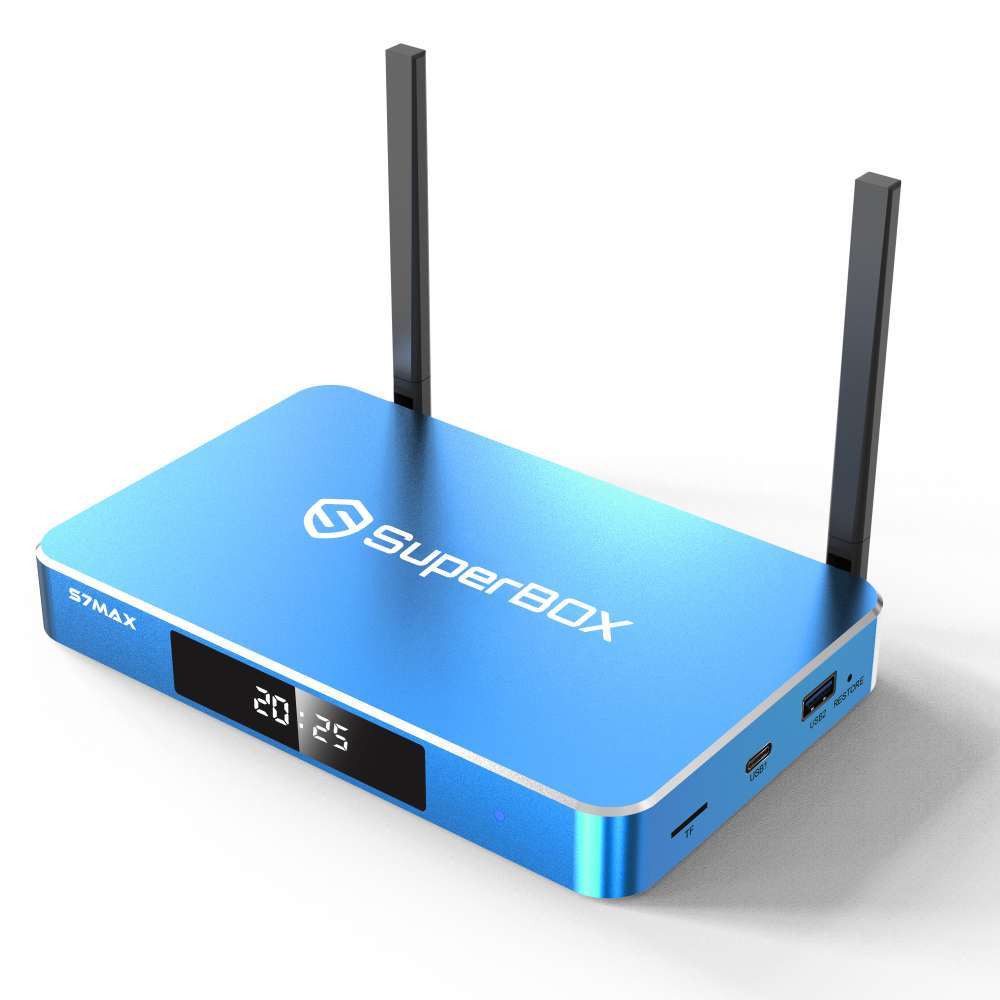
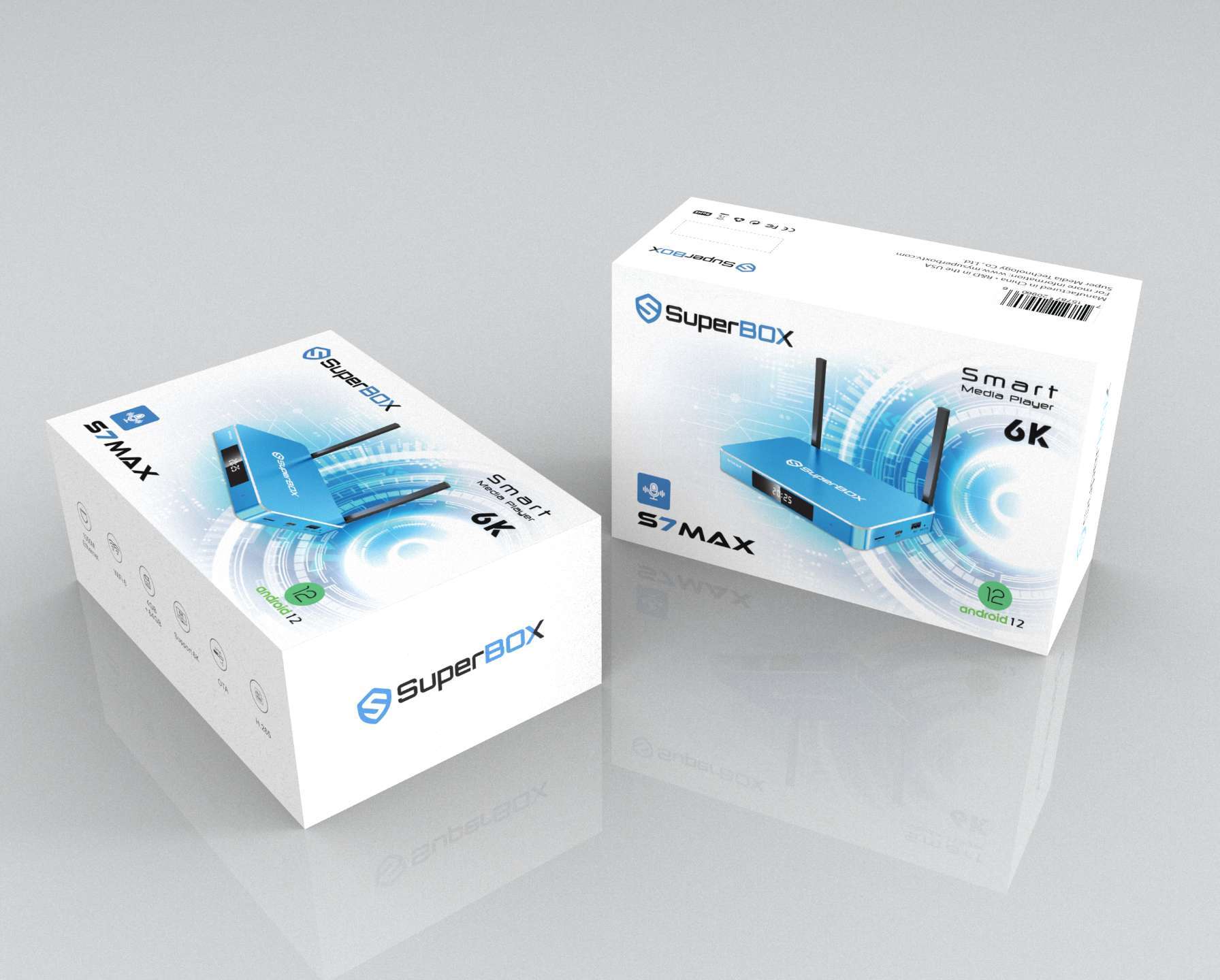
Whether you’re using the **S7 Ultra**, **S7 Max**, or **S7 Pro**, you’ll have access to this feature. The S7 series’ powerful processors and **WiFi 6** connectivity ensure that even when you’re Connectivity archived content, it loads quickly and plays back in high quality. The S7 Ultra’s **128GB of storage** and the Max’s **64GB** also mean the device itself has plenty of “breathing room” to handle the data-heavy tasks of Connectivity high-resolution playback.
## Conclusion
The 7-day Time Shift feature is one of the most powerful tools in the SuperBox S7 arsenal. it gives you the freedom to Experience what you want, when you want. No more rushing home or missing out on the big moments. With the S7 series, the TV schedule finally revolves around you.
🎁 SPECIAL WELCOME OFFER ACTIVE!
Cut the cord today and save big! Get an immediate 20% OFF sitewide plus an extra $30.00 OFF your entire order automatically. Simply click the red Claim $30 OFF button at the bottom center of your screen to activate your NEWUSER discount, then choose your SuperBox model below!
More From SuperBox Official
- → SuperBox S7 Ultra — 128GB | 6K
- → SuperBox S7 Max — 64GB | 6K
- → All SuperBox Devices
