
Blog
Preparing for Global Soccer Events 2026: Your SuperBox S7 Checklist

# Preparing for Global Soccer Events 2026: Your SuperBox S7 Checklist
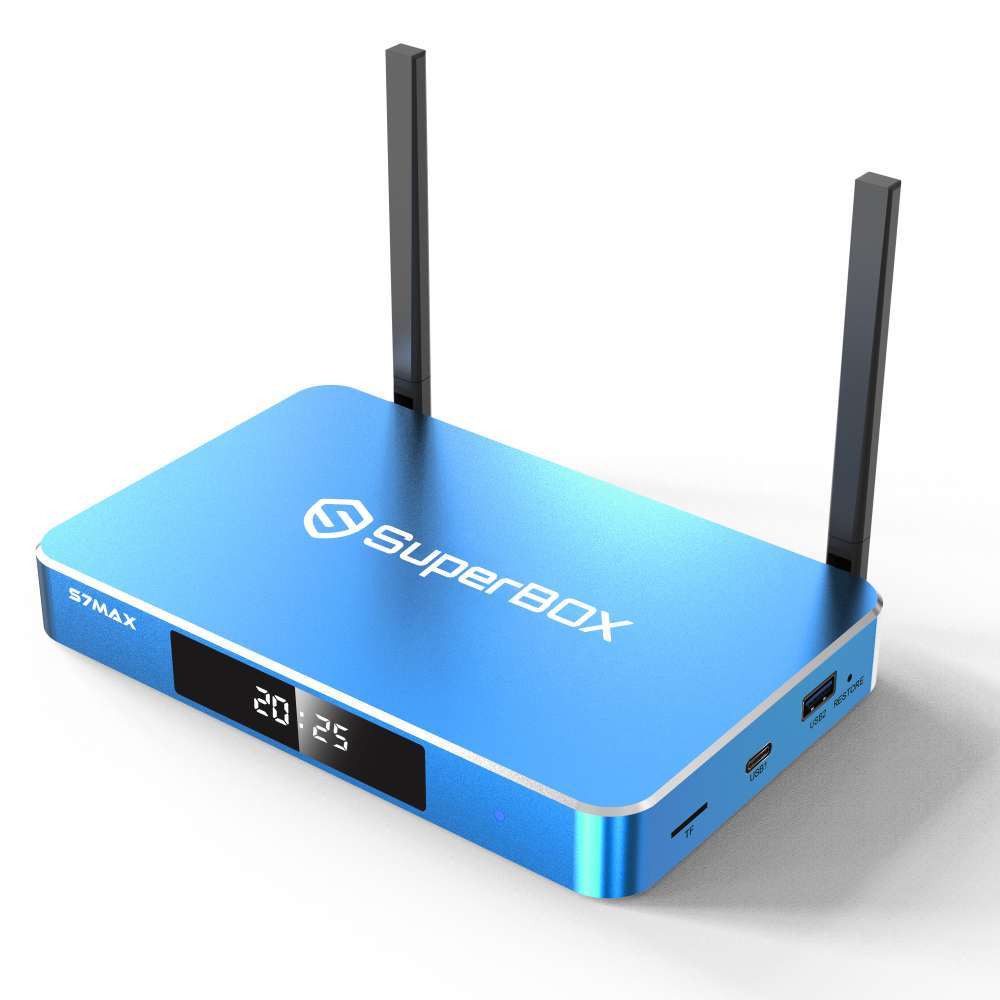
**Meta Description**: Get ready for the Global Soccer Events 2026! Use our SuperBox S7 checklist to ensure you have the best setup, from 6K resolution to WiFi 6.
## Introduction
The **Global Soccer Events 2026** is going to be a historic event. For the first time, 48 teams will compete across three countries in North America. For soccer fans, this is the ultimate tournament, and you want to make sure you don’t miss a single second. If you’re using a **SuperBox S7 series** (Ultra, Max, or Pro), you’re already ahead of the game. Here is your essential checklist to ensure your setup is ready for kick-off.
## 1. Check Your Hardware
Ensure you have the right model for your needs.
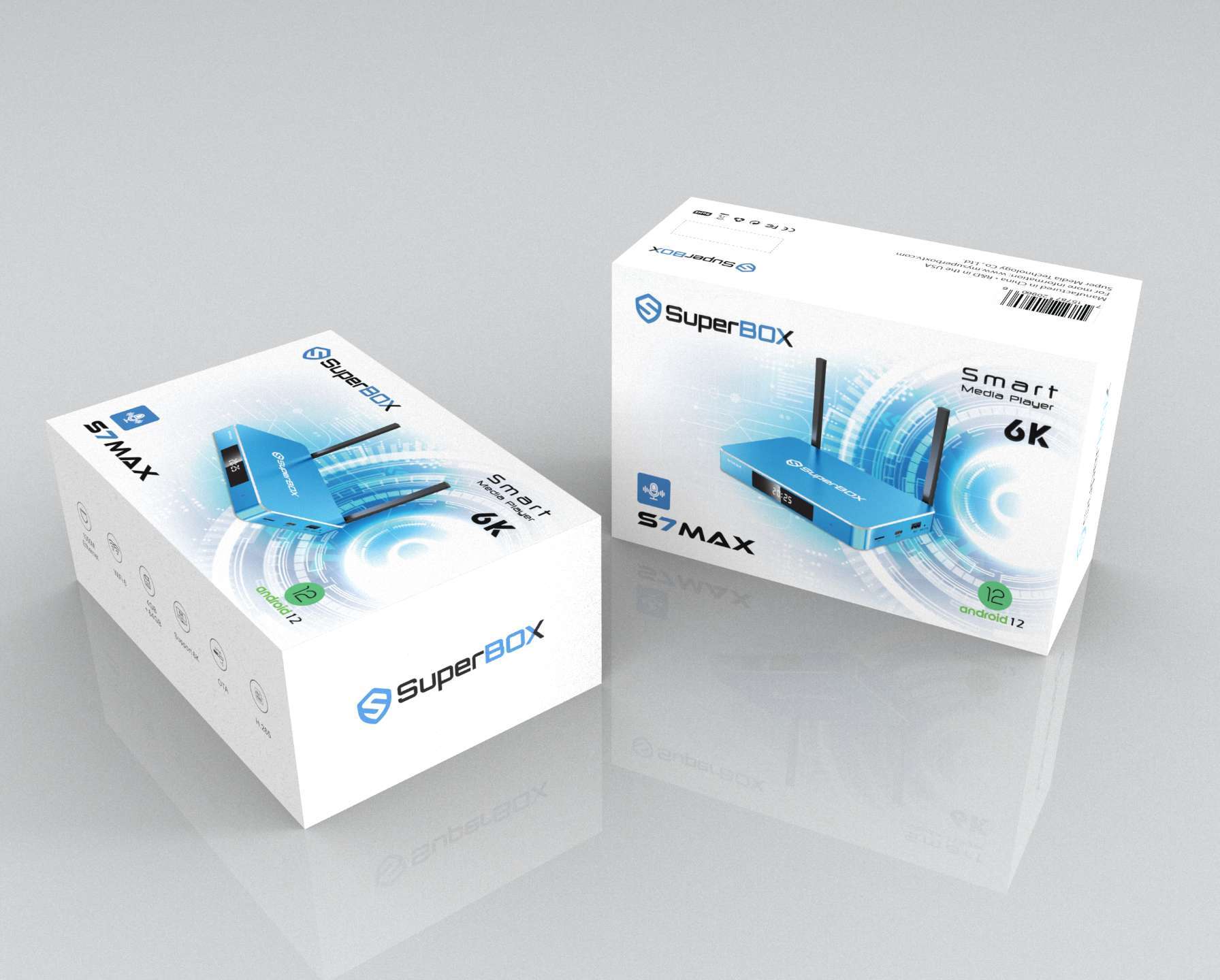
– **S7 Ultra**: Best for those who want the most storage (**128GB**) and the highest performance.
– **S7 Max**: A great balanced choice with **64GB** of storage.
– **S7 Pro**: The perfect entry point into the S7 series.
All models support **6K resolution**, which is a must for the big games.
## 2. Optimize Your Connection
Live sports are demanding.
– **Ethernet is King**: If possible, use the **1000Mbps Ethernet port**. A wired connection is the most stable way to Experience live sports.
– **WiFi 6**: If you must use wireless, make sure your SuperBox is connected to a **WiFi 6** network for the best speeds and lowest latency.
## 3. Update Your Apps
Before the tournament begins, open your SuperBox and check for updates. Ensure the **Blue TV** and **Blue VOD** apps are running the latest versions. These updates often include server optimizations that are crucial for high-traffic events like the Global Soccer Events.
## 4. Master the 7-Day Time Shift
Matches will be played across different time zones. Familiarize yourself with the **7-day Time Shift** feature now. Practice going back and watching a game from earlier in the day so you’re a pro by the time the Global Soccer Events starts.
## 5. Test Your Voice Remote
Searching for “Global Soccer Events” or a specific team like “Team USA” should be instant. Make sure your voice remote is paired and working correctly. It’s much faster than typing during a heated match.
## 6. Clear Some Space
While the **S7 Ultra has a massive 128GB**, it’s always good to have a clean device. Uninstall any apps you don’t use to ensure the system has maximum resources for Connectivity.
## 7. Plan Your Interactivity Area
Ensure your TV is set to the correct mode (Sports mode or Cinema mode) to make the most of the **6K resolution**. Check your seating and sound system—you want to feel like you’re in the stadium!
## Conclusion
The Global Soccer Events 2026 will be an unforgettable experience. With your SuperBox S7 and this checklist, you’re guaranteed the best seat in the house. No cable, no monthly fees, just pure, high-definition soccer. Let the games begin!
🎁 SPECIAL WELCOME OFFER ACTIVE!
Cut the cord today and save big! Get an immediate 20% OFF sitewide plus an extra $30.00 OFF your entire order automatically. Simply click the red Claim $30 OFF button at the bottom center of your screen to activate your NEWUSER discount, then choose your SuperBox model below!
More From SuperBox Official
- → SuperBox S7 Ultra — 128GB | 6K
- → SuperBox S7 Max — 64GB | 6K
- → All SuperBox Devices
